
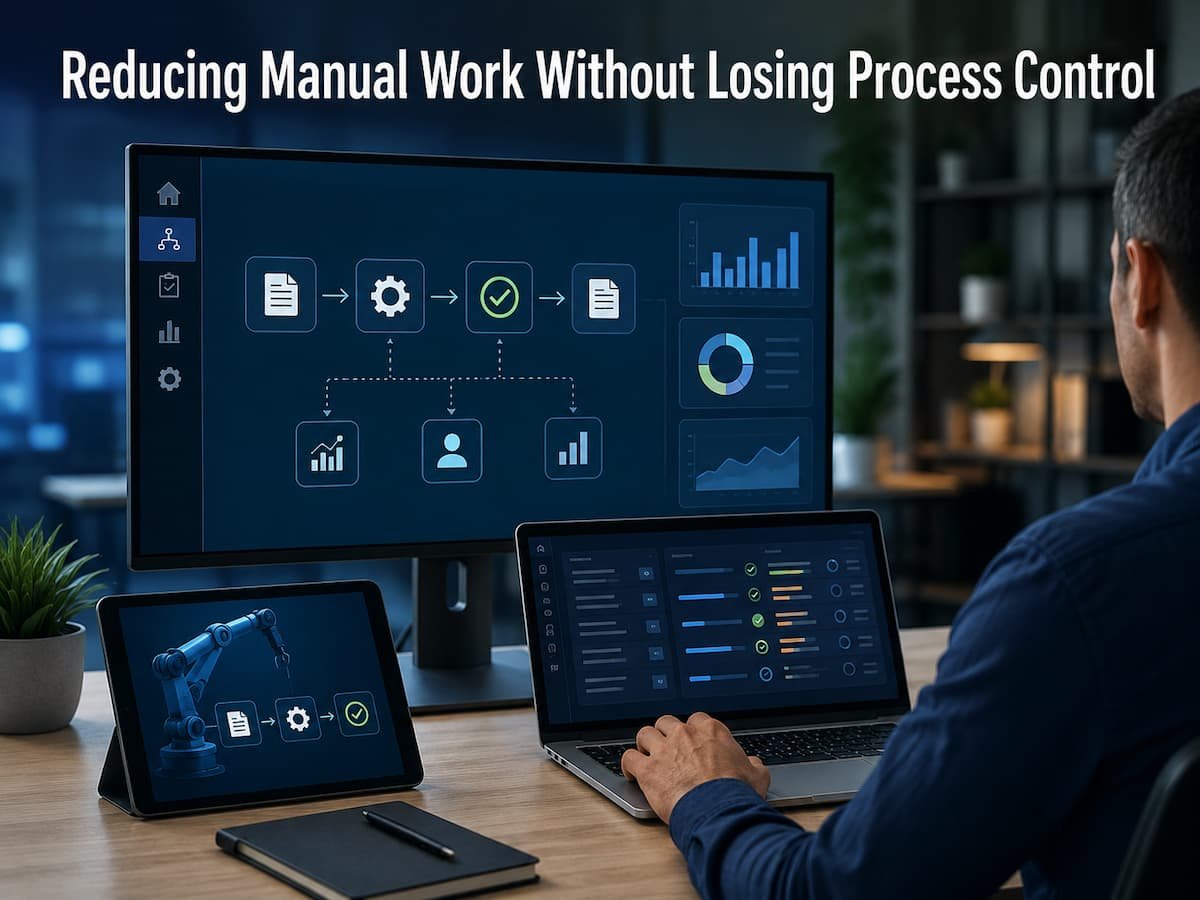
Companies often hesitate to automate these activities out of a fear of losing control—a concern that is valid. Removing a step without fully understanding its function can lead to errors, missed approvals, or ambiguous responsibilities. A better approach is not to automate everything but to distinguish repetitive tasks from critical decisions and automate only those that do not require human judgment. This allows employees to devote more time to high-value work while maintaining effective control over sensitive or high-impact activities. The following methods illustrate how companies can reduce manual work without making processes unmanageable.
Find the Work That Should Not Be Manual
The initial step is to determine which manual tasks actually result in an unnecessary waste of time. Businesses often assume that the most obvious, highly repetitive tasks are the best candidates for automation, but this assumption is not always the case. It is essential to identify activities that occur frequently, are predictable, and require minimal evaluation. Entering the same information into multiple systems is a prime example, as is sending a standard notification once a request reaches a specific stage. Furthermore, it is important to consider the time employees spend correcting errors caused by manual processing. A task that takes only five minutes may seem trivial, but when repeated hundreds of times a month, it can become a significant issue.
| Manual Activity | Automation Potential |
|---|---|
| Copying standard information | Usually high |
| Sending routine notifications | Usually high |
| Checking simple conditions | Often high |
| Approving unusual requests | Usually requires people |
| Making complex business decisions | Usually requires human judgment |
Separate Repetition From Judgment
A sound approach to automation is to divide processes into two categories: actions that follow predictable rules and decisions that depend on context. Predictable actions generally lend themselves well to automation. If every approved request requires the same confirmation information, it is unlikely that employees should have to send it manually every time. Judgment-based decisions are different. Employees may need to assess whether a customer request is unusual, whether an exception poses a risk, or whether additional information is required. Without adequate safeguards, automating such decisions can create more problems than handling them manually from the start. This distinction helps strike a balance: systems handle predictable actions, while humans make decisions that require experience, interpretation, or accountability. Instead of asking, “What can we automate?” ask, “Which parts of this task require human intervention, and which parts simply involve repetitive rules?”
Retain Key Approval Steps
One of the most significant mistakes companies make is dismissing every manual step as unnecessary. Some manual steps exist because someone must verify the information before making a decision. For example, a purchase request might include automated checks for required information, yet expenditures above a certain limit may still require management approval. Eliminating approval steps simply because they slow down the process weakens control rather than strengthening it. Automation should therefore reduce unnecessary processes, not effective oversight. A well-designed process can automate information gathering, basic checks, request preparation, and the notification of relevant personnel. This gives human reviewers better insight into the application and allows them to focus on the decisions that truly matter.
Improving Consistency Through Automation
Human processes often yield inconsistent results because people perform the same task in slightly different ways. Some employees remember to update data, while others forget. Some send notifications immediately, while others wait until later. Automated steps can make the predictable parts of the process more consistent. For example, once an application is approved, the system can automatically update the status and notify the next team responsible. This eliminates the need for employees to remember numerous subsequent small steps. Consistency is particularly important when processes span multiple departments; each team receives the expected information at the expected stage, preventing confusion about the next steps.
Do Not Automate a Broken Process
Automation cannot automatically fix a poorly designed process. In some cases, it simply makes the existing problem happen faster. Suppose employees currently enter the same customer information into three different systems because the business has never decided which system should be the primary source. Automating the transfers may reduce typing, but the underlying data ownership problem remains. Before automating a process, identify unnecessary steps, duplicate information, unclear responsibilities, and outdated approvals. Simplify these areas first. A good rule is simple: make the process understandable before making it automatic.
Build Controls Into the Automated Process
Automation should include safeguards rather than operating without boundaries. The exact controls depend on the process, but common examples include required fields, approval thresholds, access permissions, validation checks, and activity records. These controls allow routine work to move quickly while preventing important conditions from being ignored.
| Control | Purpose |
|---|---|
| Required information | Prevents incomplete requests |
| Approval thresholds | Keeps important decisions with authorized people |
| Validation rules | Reduces basic data errors |
| Access permissions | Limits who can change sensitive information |
| Activity records | Shows what happened during the process |
These controls are especially important when automated workflows affect financial, customer, operational, or sensitive business information.
Keep Human Oversight Where It Matters
Reducing repetitive tasks does not mean removing people from processes. Human oversight remains crucial when unusual situations arise. A well-designed automated workflow should include clear checkpoints allowing employees to review, halt, correct, or escalate work. For instance, an automated system can approve routine requests that meet specific criteria while routing exceptional requests to staff. This ensures an effective division of labor: the system handles predictable tasks, while humans manage the exceptions. This approach also makes it easier to build employee trust in automation, as staff know the system is not expected to resolve every issue independently.
Start with Small Processes
Companies do not need to automate an entire department to experience the value of reducing manual work. Starting with a single repetitive process is often safer and easier. Choose a common task with clearly defined rules. Document the current process, remove any unnecessary steps, automate a suitable stage, and monitor the results. Focus not only on time savings but also on error rates, employee understanding of the new process, and any unexpected issues that arise. This gradual approach also lets employees give feedback before we expand automation to more critical processes.
Watch Out for Automation Issues
Automated processes still require maintenance. System integrations can fail, information can change, permissions may be altered, and business rules can become outdated. Therefore, companies must regularly monitor automated workflows. Be alert for task errors, unusual delays, recurring anomalies, notification failures, and situations requiring manual intervention. A warning sign arises when employees begin developing informal workarounds for automated processes. This may indicate that the workflow no longer reflects the way the company actually operates. The goal of automation is to reduce friction, not to force employees to bypass systems.
Conclusion
Reducing manual tasks does not mean removing people from business processes. The real opportunity lies in eliminating repetitive work while preserving the decisions, approvals, and checks that ensure operational reliability. The most effective approach begins with understanding the processes. Companies can identify predictable tasks, streamline unnecessary steps, automate routine actions, and maintain human oversight where judgment is required. Effective automation must also incorporate safeguards. Mandatory information, approval rules, permissions, validation checks, and activity logs help maintain control while accelerating daily work. Above all, automation must always align with the actual needs of employees and the organization. Processes that save time but create chaos are not true improvements. Our goal is to strike a better balance: reducing repetitive work for employees, improving execution consistency, and supplementing these efforts with sufficient human oversight to ensure control over key decisions.
FAQs
1. Which business tasks are best suited for automation?
Repetitive, frequent, and predictable tasks based on well-defined rules are generally ideal. Examples include routine notifications, data transfers, status updates, simple validations, and periodic administrative tasks. Tasks requiring complex judgment or unconventional decisions are usually best handled manually.
2. Does automation mean employees are being replaced?
Not necessarily. Automation is most effective at eliminating repetitive tasks, allowing employees to focus on decision-making, customer needs, problem-solving, and other tasks requiring human judgment. The goal should be to utilize employees’ time more efficiently, not to completely replace human involvement.
3. How can business automation be achieved without losing control?
Maintain effective approval processes and build controls into automated workflows. Required information, validation rules, access rights, approval thresholds, exception handling, and activity logs help maintain oversight. Employees should also have clear procedures for reviewing deviations or intervening.
4. Should all manual processes be automated?
No. Some manual processes have their advantages, especially when it comes to judgment, sensitive decisions, or exceptional circumstances. Automation should be evaluated based on the value it creates and the risks it entails. If a brief human review can help avoid costly or significant errors, it may be worthwhile.
5. What is the biggest mistake when automating workflows?
A common mistake is automating without understanding or simplifying the process. If the process involves unnecessary approvals, repetitive data entry, unclear responsibilities, or outdated steps, automation will only replicate these issues more quickly. Assessing the process beforehand establishes a more solid foundation for automation.