
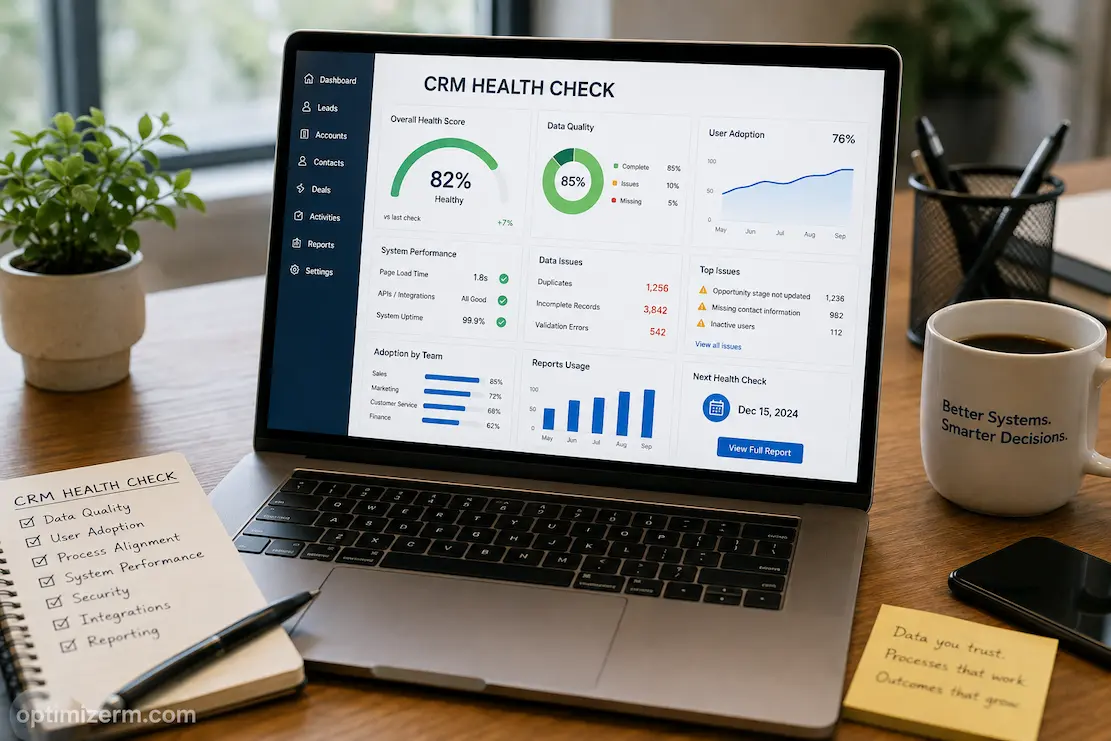
CRM health checks can easily become a pointless exercise. System administrators might check whether the system is functioning normally, whether users can log in, whether integrations are working properly, and whether dashboards are loading correctly. At first glance, everything seems fine, but in reality, the sales team may still be using their own spreadsheets, customer data might be disorganized, managers may be questioning sales reports, and automated background processes might be malfunctioning.
An effective health check asks a more important question: does the CRM system still align with the business model? To determine this, you must look beyond technical functionality. You also need to consider data quality, workflows, user behavior, reporting, security, integrations, and business outcomes. The goal is not simply to compile a list of items to discard after the annual review, but to identify issues that impact customers, employees, decision-making, or operating costs.
As for the best time to conduct a health check: it shouldn’t necessarily wait until problems arise. Regular checks can detect and address escalating issues early on, thereby avoiding unnecessary costs. Even if a CRM (Customer Relationship Management) system was well-planned during its initial implementation, its efficiency can decline as the company grows, staff numbers rise, product offerings and business operations expand, system integrations increase, and customer processes are optimized. A system check can help you systematically identify these changes.
Begin With the Business, Not the Configuration
The first step should be understanding what the CRM is supposed to accomplish today. This is important because organizations often evaluate a CRM against requirements that existed during implementation, even though the business has changed significantly since then.
A company may originally have implemented its CRM to organize leads, then later expanded into account management, customer service, marketing automation, and subscription renewals. If the health check still focuses mainly on lead tracking, it will miss problems in the newer processes.
Start by identifying the business outcomes the CRM currently supports. These might include:
- Improving lead conversion
- Increasing customer retention
- Reducing response times
- Improving sales forecasting
- Giving teams a shared customer history
- Reducing manual administrative work
- Supporting management decisions with reliable information
These objectives become the reference point for the rest of the assessment. A CRM feature is not automatically valuable because employees use it. Its importance depends on whether it contributes to an outcome the organization actually cares about.
Ask What Has Changed Since Implementation
Before examining individual fields or workflows, document major changes in the business. New departments, acquisitions, geographic expansion, product launches, pricing changes, and new customer segments can all affect whether the CRM remains appropriate.
A useful review should identify where the current business model differs from the assumptions behind the original CRM design. If those differences are substantial, some problems may not be configuration errors at all. The CRM may simply be reflecting an older version of the organization.
The Data Test: Can the Business Trust What It Sees?
A CRM can be technically operational while its data becomes increasingly unreliable. This is one of the most important areas of a health check because inaccurate information spreads into reports, automation, customer communication, forecasting, and management decisions.
Rather than checking every field equally, identify the data that matters most to the business. Customer ownership, account status, contact information, opportunity stage, expected close date, customer segment, service status, and other decision-critical fields may deserve priority depending on the organization.
Look for patterns rather than isolated mistakes. One incomplete customer record is an ordinary operational error. Thousands of records with the same missing field suggest a process or design problem.
A useful data review can examine:
| Area | What to Look For |
|---|---|
| Completeness | Are important fields regularly populated? |
| Accuracy | Does information reflect the real customer situation? |
| Duplicates | Are multiple records representing the same customer? |
| Consistency | Are teams using the same definitions and values? |
| Freshness | Are important records being updated when circumstances change? |
| Ownership | Is responsibility for maintaining key data clearly assigned? |
The objective is not to achieve perfect data everywhere. That is rarely realistic. The objective is to determine whether the information employees and managers depend on is reliable enough for its intended purpose.
Follow the Customer Through the CRM
One of the most revealing health-check techniques is to follow several realistic customer journeys from beginning to end. Instead of inspecting features independently, examine whether the CRM supports the complete process.
Take a new lead, for example. Where does the information enter? How is ownership assigned? What determines whether the lead is qualified? How does it become an opportunity? What information follows it through the sales process? What happens after the deal closes? Can customer service see the history without asking sales for separate documentation?
This approach exposes gaps between departments that individual configuration reviews can miss.
A process may appear efficient within sales while creating problems for customer service. Marketing may collect useful information that never reaches account managers. Customer service may resolve issues without updating information that sales later depends upon.
Examine the Handoffs
Handoffs are particularly important because they reveal whether the CRM is functioning as a shared business system or merely as several departmental tools.
Ask:
Who owns the customer at each stage?
What information must be transferred?
Which parts happen automatically?
Where does someone rely on memory, email, or a spreadsheet?
What happens when ownership changes?
If employees regularly leave the CRM to complete a handoff, the health check should investigate why. The solution may be a workflow improvement, clearer ownership rules, better data visibility, or simply removing an unnecessary approval.
Measure Friction Instead of Counting Activity
User activity can be misleading. A CRM can record thousands of calls, notes, tasks, and updates without making the underlying work easier.
A more useful health check asks employees where the system creates friction. How long does it take to update an opportunity? How many screens must be opened to understand a customer’s history? How often do users enter the same information more than once? Which CRM tasks do employees regularly postpone because they are cumbersome?
These questions reveal operational problems that activity dashboards often hide.
The answers should then be compared with actual process data where available. If employees say a particular task takes too long, measure the time required for a sample of users. If they report duplicate data entry, document where information is entered and why.
This combination of user evidence and operational evidence is stronger than relying on either one alone.
Automation Deserves Its Own Inspection
A CRM health check should never assume that old automation is still useful simply because it continues to run.
Organizations often add workflows during implementation and then create more as requirements change. Over time, multiple automations may influence the same record, send overlapping notifications, or perform actions that are no longer necessary.
Create an inventory of important automation and document:
- What triggers it
- What action it performs
- Who owns it
- Which process depends on it
- Whether it is still required
- What happens if it fails
Pay particular attention to chains where one automation triggers another. These arrangements can make unexpected behavior difficult to diagnose.
The question is not whether the CRM should have more automation. It is whether the existing automation remains predictable, necessary, and understandable.
Reporting: Can Managers Trust the Numbers?
A health check should include several reports that management genuinely uses rather than simply verifying that dashboards load.
Take a handful of important metrics and trace them back to their source records. If a pipeline report shows a certain value, can someone explain which records contribute to it and why they are classified that way?
Conflicting reports often indicate a deeper governance problem. Different teams may use different definitions for the same term, such as qualified lead, active customer, or closed opportunity.
When this occurs, adding another dashboard will not solve the problem.
Instead, establish which definitions are authoritative, who owns them, and where the calculations should occur. A healthy CRM should reduce debates about whose spreadsheet is correct, not create more opportunities for those debates.
Security Should Be Tested as the Organization Exists Now
CRM permissions can become outdated as employees change roles, teams are reorganized, and new functionality is introduced.
A health check should examine whether access still reflects current responsibilities. Pay particular attention to administrative accounts, sensitive customer information, bulk exports, inactive users, external users, and temporary permissions.
It is also useful to test the system from different user perspectives. Do employees have enough access to perform their jobs without unnecessary privileges? Can they see information they should not see? Can they export information that does not need to leave the CRM?
Security should not be evaluated only by asking whether the CRM has permission controls. The important question is whether those controls still match the organization’s current operating model.
Check Integrations for Silent Problems
An integration can remain technically connected while producing incorrect or incomplete information.
For each important connection, confirm which system owns the data, what information is synchronized, how frequently synchronization occurs, and what happens when the connection fails.
Also examine whether integrations are still necessary. A business may continue maintaining an integration for a process that has already moved elsewhere.
A simple integration register can make this review easier:
| Question | Required Answer |
|---|---|
| Why does the integration exist? | Defined business purpose |
| What data moves? | Documented fields or objects |
| Which system is authoritative? | Clear source of truth |
| Who owns it? | Named technical/business owner |
| How are failures detected? | Monitoring or alert process |
| Is it still needed? | Confirmed current value |
This prevents the organization from discovering years later that nobody knows why a critical connection exists.
Turn the Health Check Into a Priority List
The final output should not be a 40-page report containing observations but no decisions. A useful health check should produce a manageable improvement plan.
Classify findings according to their business consequence:
Critical: Security, data integrity, customer impact, or system failures requiring immediate attention.
High priority: Problems causing substantial operational inefficiency or unreliable decision-making.
Medium priority: Issues that create recurring friction but do not materially threaten operations.
Low priority: Cosmetic or convenience improvements that can be handled during normal maintenance.
This prevents low-value requests from competing with problems that affect revenue, customers, or data integrity.
Each significant recommendation should also have an owner and a clear definition of success. “Improve data quality” is too vague. “Reduce duplicate active-account records and establish a repeatable duplicate-prevention process” provides a much clearer objective.
How Often Should a CRM Health Check Happen?
There is no universal schedule that fits every organization. A small company with limited integrations and relatively stable processes may need a lighter review than a large organization operating across multiple regions and business units.
A practical model is to combine different levels of review.
Continuous: Monitor critical failures, integration issues, data-quality alerts, and security events.
Periodic: Review workflows, reports, user feedback, permissions, and important data-quality measures.
Strategic: Reassess the CRM against business objectives when the organization undergoes major changes.
This approach is more useful than waiting for an annual inspection. Problems can be addressed when they appear while deeper questions about the CRM’s role in the business are considered at appropriate intervals.
A Health Check Should Lead to Better Decisions
The value of a CRM health assessment lies not only in the check itself but also in how the company uses the evaluation results.
A comprehensive evaluation can reveal not only technical difficulties but also processes that are no longer practical, conflicting interpretations of the same definition across departments, or reports used by managers that rely on unreliable data. These findings are valuable because they focus on how the CRM system works in synergy with business operations, rather than viewing the platform merely as software.
This means that targeted checks are most effective. Instead of examining every configuration item in minute detail, it is better to focus on areas critical to customers, employees, data integrity, decision-making, and operational performance.
A good CRM system does not have to be perfect. It needs to be reliable, user-friendly, straightforward to maintain, and useful for the organization’s day-to-day operations. As the company grows and changes, regular checks are an effective way to keep the CRM system running smoothly.
Frequently Asked Questions
Why is a CRM health check important?
The goal is to determine whether the CRM system remains reliable, functional, and secure, and whether it meets current business needs. It aims to uncover issues affecting data, workflows, employees, customers, reporting, or operational efficiency.
Should employees participate in CRM health checks?
Yes. While technical managers can identify system and configuration issues, employees have a deeper understanding of the challenges involved in using the CRM system for actual customer-facing work. Combine their insights with concrete evidence of system and process issues.
What should be checked first?
Focus on the facts and processes that are most critical to the business. If incorrect customer information or disrupted workflows are impacting sales or customers, you must address these issues before making interface changes driven purely by aesthetics.
Can a CRM health check reveal that the problem lies outside the CRM system itself?
Absolutely. The evaluation results might indicate that poor performance is not due to the CRM platform itself, but rather to issues such as unclear processes, inconsistent management, a lack of training, or differing interpretations of the system’s purpose within the organization.
Should all legacy CRM features be removed?
Of course not. Some seemingly unused features may be crucial for dependencies, historical reporting, or integrations. An assessment should be conducted before removing them.
How do you ensure a health check is effective?
A successful evaluation paves the way for implementing priorities and measurable improvements. It should improve data reliability, reduce friction, enhance security, improve reporting accuracy, or involve other steps that help the company achieve its CRM goals.