
Trouble begins later. One employee changes the first record’s phone number. Another employee updates the record. 2. Support staff see a different customer history than sales. Depending on the record, automated messages may use different contact info. People usually do not create duplicate records for the same customer. Since systems, forms, employees, and procedures identify the same thing differently, they frequently appear. This makes duplicate prevention less about cleaning spreadsheets and more about building business tools that detect existing data.
Why Systems Make Different Record Versions
A business may have separate systems for customers, orders, email, and bookkeeping. Records are created using different databases and rules in each system. The customer may be the same in all four systems, but their identity may differ. An application may need an email address. Another may use customer numbers. A third can utilize an internal account ID. Unconnected identifiers may cause each program to think it’s seeing a fresh record.
Small discrepancies generate problems too. A middle initial may be present in one system but not in another. A corporation may be called “Northside Solutions” or “Northside Solutions Ltd.” Different formats exist for phone numbers. Even email addresses can be wrong. Humans easily identify these differences as connected information. Software usually needs a defined connection method.
Common sources of duplication
- Multiple systems create records independently.
- Employees entering the same information more than once.
- Online forms create new records without checking existing data.
- Imports from spreadsheets or older databases.
- Different naming and formatting conventions.
- Integrations that lack reliable matching rules.
- Customers submitting information through several channels.
A Name Is Usually Not Enough to Identify a Record
One of the simplest mistakes in record matching is treating a person’s or company’s name as a unique identifier. Two customers can have exactly the same name. One customer can also appear under several versions of their name. The same problem exists with companies. A business may operate under a legal name, a trading name, an abbreviated name, or a name that employees commonly use internally.
Using names as the only matching condition can therefore create two types of problems. The system may create duplicates when the same person is entered differently, or it may incorrectly combine two different people who happen to share a name. A stronger matching strategy usually relies on information that has a better chance of identifying the specific record.
Potential identifiers include:
- Unique customer or account numbers.
- Verified email addresses.
- Order or transaction identifiers.
- Membership or subscription numbers.
- System-generated record IDs.
The correct identifier depends on the type of record. A business should decide which fields actually establish identity, rather than assuming that one field will work in every situation.
Decide What Makes a Record Unique
Before a system can prevent duplicates, the business needs to answer a surprisingly basic question: what exactly counts as the same record? For an order, the answer might be straightforward. Each order may have its own unique order number. For a customer, the answer may require more thought. An email address might be sufficient for some businesses but unreliable for others. This definition should exist before automation or system integration is designed.
Imagine a company that allows one customer to have several accounts. If the workflow assumes that one email address always represents one customer, it could incorrectly merge separate accounts. A rule that appears sensible can therefore create a different data-quality problem. Uniqueness is a business decision as much as a technical one. Document the rule clearly enough that employees, developers, and automation tools all understand what constitutes an existing record.
Stop Duplicate Records at the Point of Creation
Cleaning duplicates after they have accumulated can take considerable time. Employees have to compare records, determine which information is current, and decide whether records should be merged or kept separate. Prevention is usually easier. When a new record is about to be created, the system can verify whether a likely match already exists. If a confident match is found, the workflow can update the existing record or use it instead of creating another one. The exact behavior should depend on the situation. Automatically merging records without sufficient confidence can be just as dangerous as creating duplicates. A safer design might use different responses depending on the strength of the match.
- Clear match: Use the existing record.
- Possible match: It would be beneficial to send the case for review.
- No match: Create a new record.
This allows the system room to recognize obvious matches without forcing it to make uncertain decisions.
Standardize Information Before Matching It
Sometimes two records contain the same underlying information but appear different because the formatting is inconsistent. Phone numbers are an obvious example. One record might include spaces and a country code while another uses a local format. Names can contain extra spaces or inconsistent capitalization. Addresses can also appear in several legitimate formats. Standardization can make matching more reliable by bringing comparable information into a consistent form before the system evaluates it.
Standardization may involve:
- Consistent capitalization.
- Removing unnecessary spaces.
- Using agreed date formats.
- Standardizing country and region values.
- Normalizing phone number formats.
- Using consistent category names.
There is an important limit, though. Standardization should not destroy meaningful differences. A process that aggressively modifies information can accidentally make separate records appear identical. The purpose is to make comparison easier, not to rewrite business data without understanding it.
Do Not Let Every System Become a Customer Database
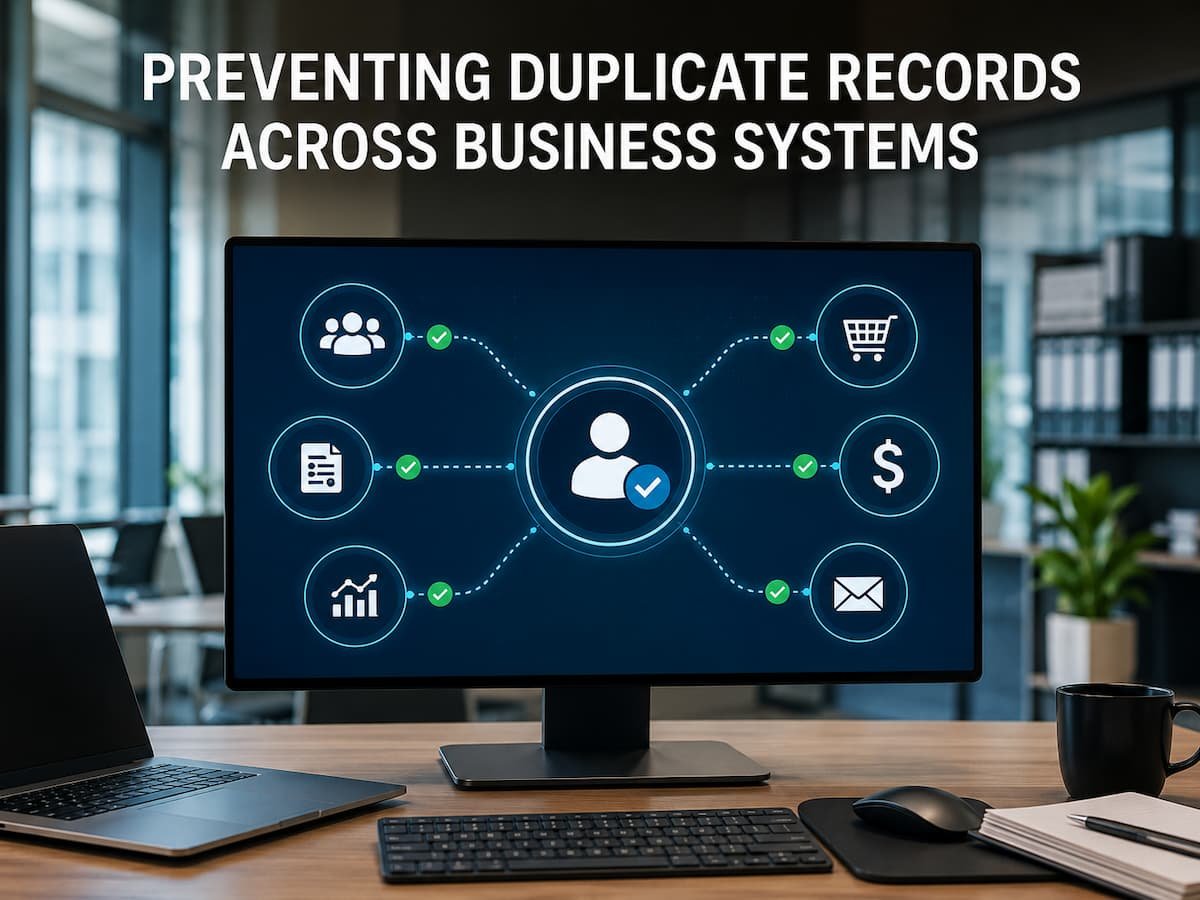
The customer management system may create customer identities and supply other systems with information. The accounting system can keep accounting-specific facts, but it doesn’t need to create client IDs. This clarifies ownership. It simplifies troubleshooting. If two systems dispute, employees know which is usually the authoritative source for the information.
Imports Offer Many Duplicate Records
Old spreadsheets and databases are regularly migrated to new systems. Years of inconsistent record-keeping can create serious issues. A spreadsheet may have many rows for the same client because employees input them at different periods. If the full file is imported without checking for duplicates, the new system inherits historical inconsistencies.
Data import should be considered a data-quality effort, not just an upload. Check the dataset for duplicates, missing IDs, inconsistent formats, and conflicting values before importing. Before importing, please determine how to handle records. Large datasets may require systematic matching rules, despite the temptation to tidy manually. Uncertain cases should be considered before merging when the repercussions of wrongly combining records are severe.
Be Wary of Similar Records
Preventing duplicates requires more than merging related records. Not all similarity is identity. Two people can share a name and city. Different companies can have similar names. Two family members can share contact info. A firm may have many valid accounts that appear related. Overly aggressive automation can ruin the process. A system that automatically merges comparable records may integrate consumer data. More difficult than preventing a duplication is correcting that mistake. Human evaluation is usually safer in uncertain systems.
Use extra caution when:
- Several records share the same name.
- A single customer can legitimately have multiple accounts.
- Contact information is shared between several people.
- Important financial or contractual information is involved.
- The matching data is incomplete.
Give Employees a Way to Find Existing Records
Technology can only solve duplicate creation if employees can easily find the record they are looking for. If searching for an existing customer is slow, confusing, or unreliable, employees may reasonably decide to create a new record rather than spend several minutes looking for the old one. Search functionality therefore becomes part of duplicate prevention.
Employees should be able to search using useful identifiers and quickly distinguish between similar records. The interface should provide enough information to confirm that the correct record has been found before a new one is created. This is a good example of why duplicate prevention is not purely an automation problem. The human workflow around the database matters just as much.
Synchronizing Systems Does Not Automatically Fix Duplicates
Businesses sometimes assume that connecting two systems will keep their records identical. Synchronization can help, but it does not automatically solve identity problems. If two systems already contain different records for the same customer, synchronization may simply move both versions between systems. The business ends up with more copies instead of fewer.
Before synchronizing data, determine how records should be matched. Decide which system owns which fields and what happens when values conflict. For example, one system may be authoritative for customer contact information while another is responsible for billing information. The integration should respect those boundaries rather than allowing both systems to overwrite each other indiscriminately. Synchronization works best when the business has already established clear data ownership.
Keep an Audit Trail for Important Changes
Sometimes a duplicate will still appear despite careful controls. When that happens, the business needs to understand how it occurred. An audit trail can show when a record was created, which system created it, what information was supplied, and which workflow or user initiated the action. This information is valuable during troubleshooting. Instead of asking employees to guess where the duplicate came from, the business can trace the creation event. Audit information can also reveal patterns. If most duplicates originate from one particular form or integration, the organization can investigate that source rather than repeatedly cleaning records afterward.
Cleaning Existing Duplicates Requires More Than a Delete Button
Once duplicates exist, deleting one record may appear to solve the problem. It can also remove useful information. One record may contain the latest phone number while another contains important historical interactions. Before merging or deleting anything, determine which information should survive and whether related transactions, notes, documents, or permissions depend on the record. A duplicate-cleaning process should therefore distinguish between obvious duplicates and uncertain cases.
- Identify records that appear to represent the same entity.
- Compare important fields and activity history.
- Determine which information is current.
- Check whether other systems reference the records.
- Merge or remove records only when the relationship is sufficiently clear.
- Document significant corrections.
The objective is not to achieve the smallest possible number of records. It is to maintain records that accurately represent the real business entities they describe.
Measure Duplicate Creation Instead of Only Cleaning It
A business can spend considerable time cleaning duplicate records without asking why they keep appearing. That turns data maintenance into an endless cycle. A better approach is to measure where duplicates originate. Track the number of newly detected duplicates and, where possible, identify their source. Are they coming from manual entry? A particular online form? A system integration? Imported files? A specific business process? The pattern matters more than the raw number. If one workflow creates most of the duplicates, improving it may eliminate more future problems than manually cleaning thousands of existing records. Useful measures can include:
- New duplicates created over a defined period.
- Duplicates detected before record creation.
- Duplicates discovered by employees after creation.
- Records requiring manual review.
- Duplicate sources by system or workflow.
Make Duplicate Prevention Part of Everyday Operations
These measures do not need to be perfect in isolation; their strength lies in how well they work together. A simple validation procedure can prevent one type of duplicate record, while a more robust search interface can prevent another. Clear customer identifiers can prevent yet other types of duplicates. Over time, these controls will free companies from having to rely on employees to discover duplicates only after losses have already occurred.
Conclusion
Duplicate records are more than just a nuisance in database operations; they affect how employees perceive customers, orders, accounts, and company performance. When two records represent the same customer, companies may face incomplete data, inconsistent contact details, inaccurate reporting, and conflicting statuses. Employees then spend time determining which version is reliable. Preventing duplicate records starts with a simple idea: companies need a reliable way to identify what they are tracking.
Define unique identifiers. Clearly define ownership of critical data. Standardize information where necessary. Check for existing records before creating new ones. Handle uncertain matches carefully. Make it easy for employees to search. Monitor the sources of duplicate records and maintain audit trails for significant changes. The end result is more than just a tidier database; it creates a business environment where employees can trust that the records they view represent the correct customer, order, account, or transaction. It is this trust that makes every interconnected system more user-friendly.
FAQs
1. Why do duplicate records appear in business systems?
Duplicate records typically arise when multiple systems create records independently, employees enter information multiple times, imported data contains duplicates, or matching rules fail to recognize that two records represent the same entity.
2. What is the best way to prevent duplicate customer records?
First, define a reliable customer identification code and verify for existing records before creating new ones. Standardized information, effective search tools, and manual review of uncertain matches provide additional safeguards.
3. Should duplicate records always be merged?
Not necessarily. Similar records are not always duplicates. Before merging records, you must confirm that they represent the same entity and determine whether important information, transactions, or relationships could be lost or incorrectly combined.
4. Can automation prevent duplicate records?
Yes. Automation can examine existing records, verify identification codes, flag potential matches, and submit uncertain cases for review. Records should not be merged automatically when the available information is ambiguous.
5. How should companies handle duplicate records across multiple systems?
First, determine which system holds the master record and how other systems should identify it. Then, define which fields each system manages and how updates are synchronized. This prevents multiple systems from becoming conflicting sources of information.